 Peek
Finder just got a play button.
Select a sound or a video in Finder and press Space. Peek plays it right under the window. Slice it, drag it out, done.
 Coming soon to the Mac App Store
£9.99 · macOS 15 or later
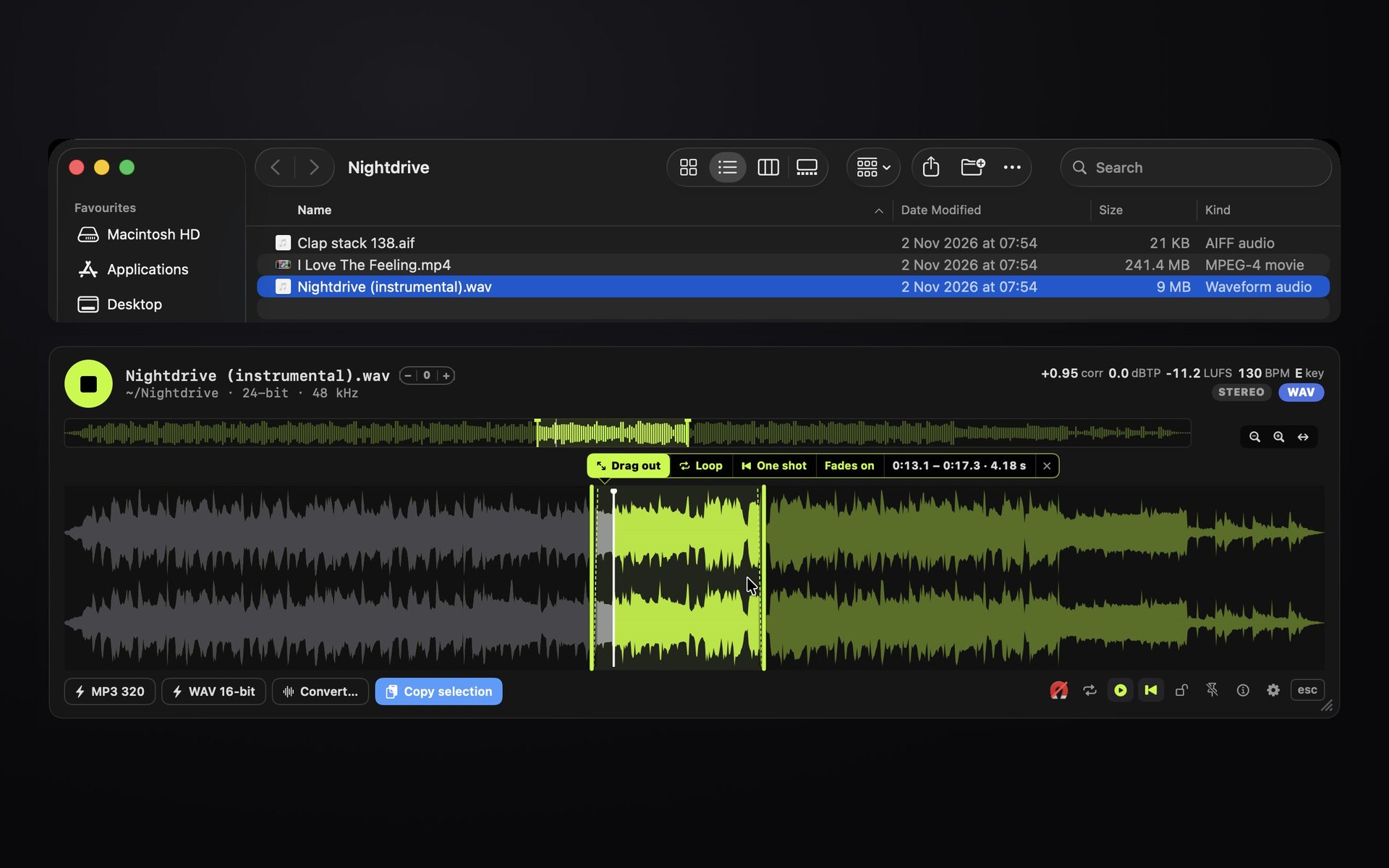
Space to playSelect a file and press Space. Click the next one and the strip follows you.
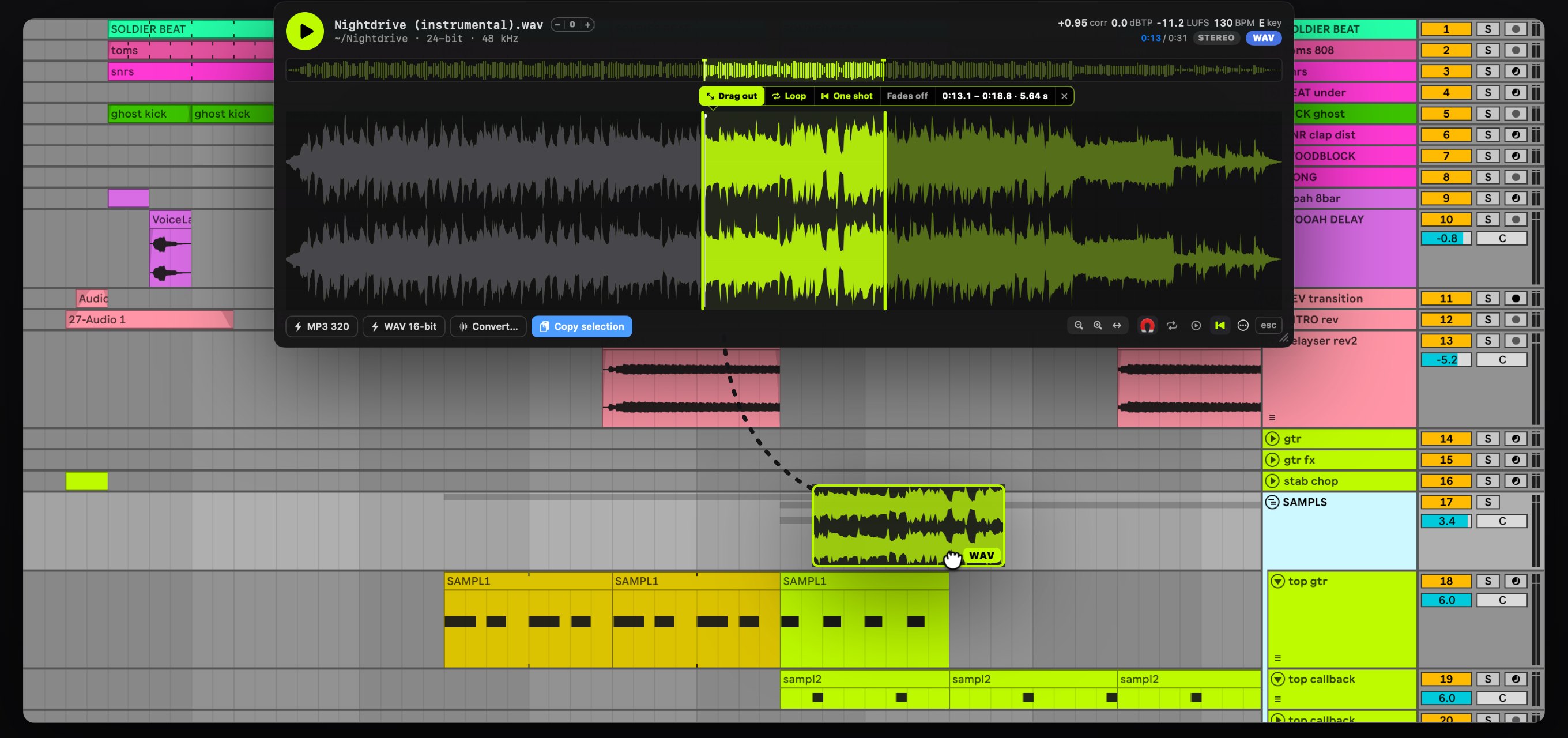
Slice and dragMark a section, loop it, then drag it into Logic, Ableton, Mail or Finder. The original is never touched.
Read it at a glanceLoudness, true peak, tempo and key, read as the file loads.
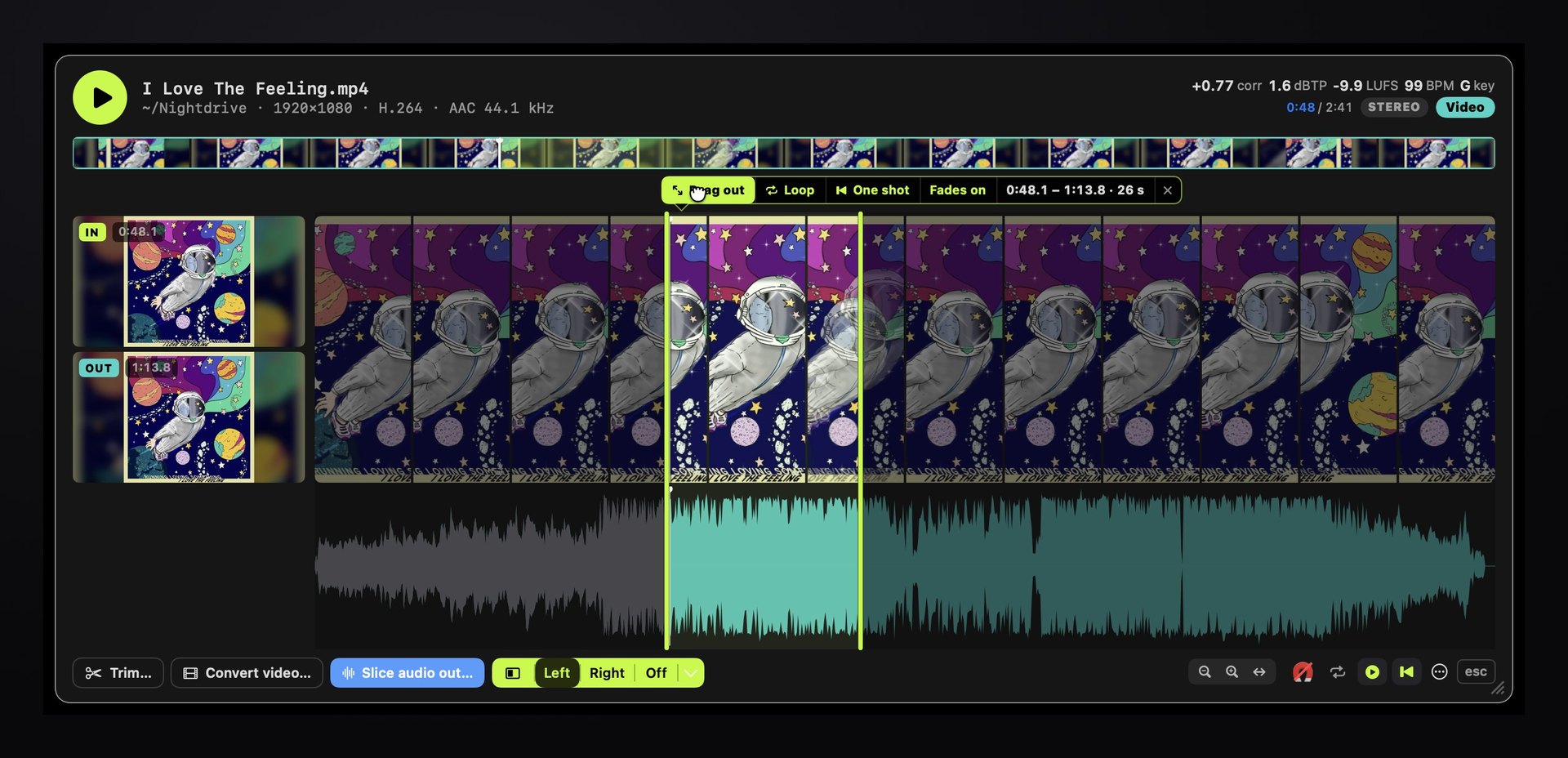
Slice video. Frame by frame.
See the exact IN and OUT picture while you cut, then drag the clip out.
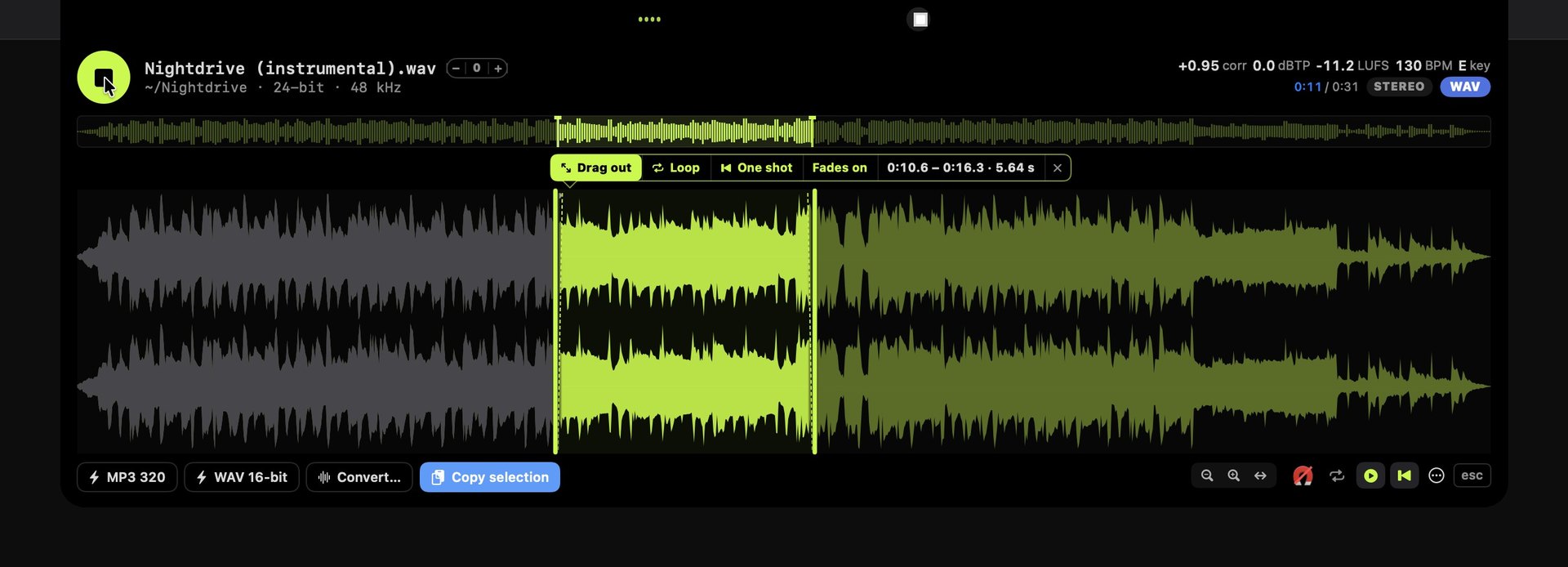
Tucked away. Always there.
Peek rests at the notch. Hover and it drops down.
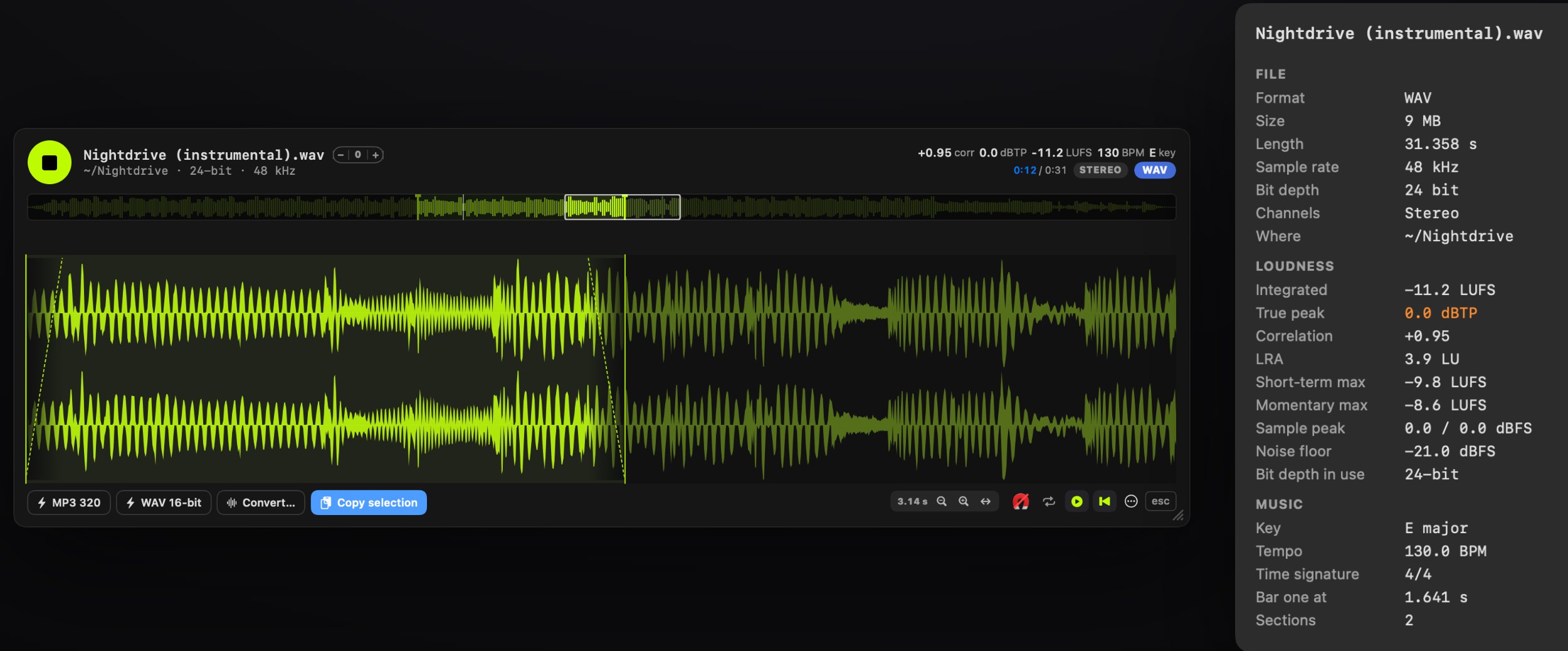
Attention to detail. Literally.
True peak, LUFS, tempo and key. A zoom that lands the cut.
Chop it. Drop it in.
Mark a section, then drag it straight into your music app.
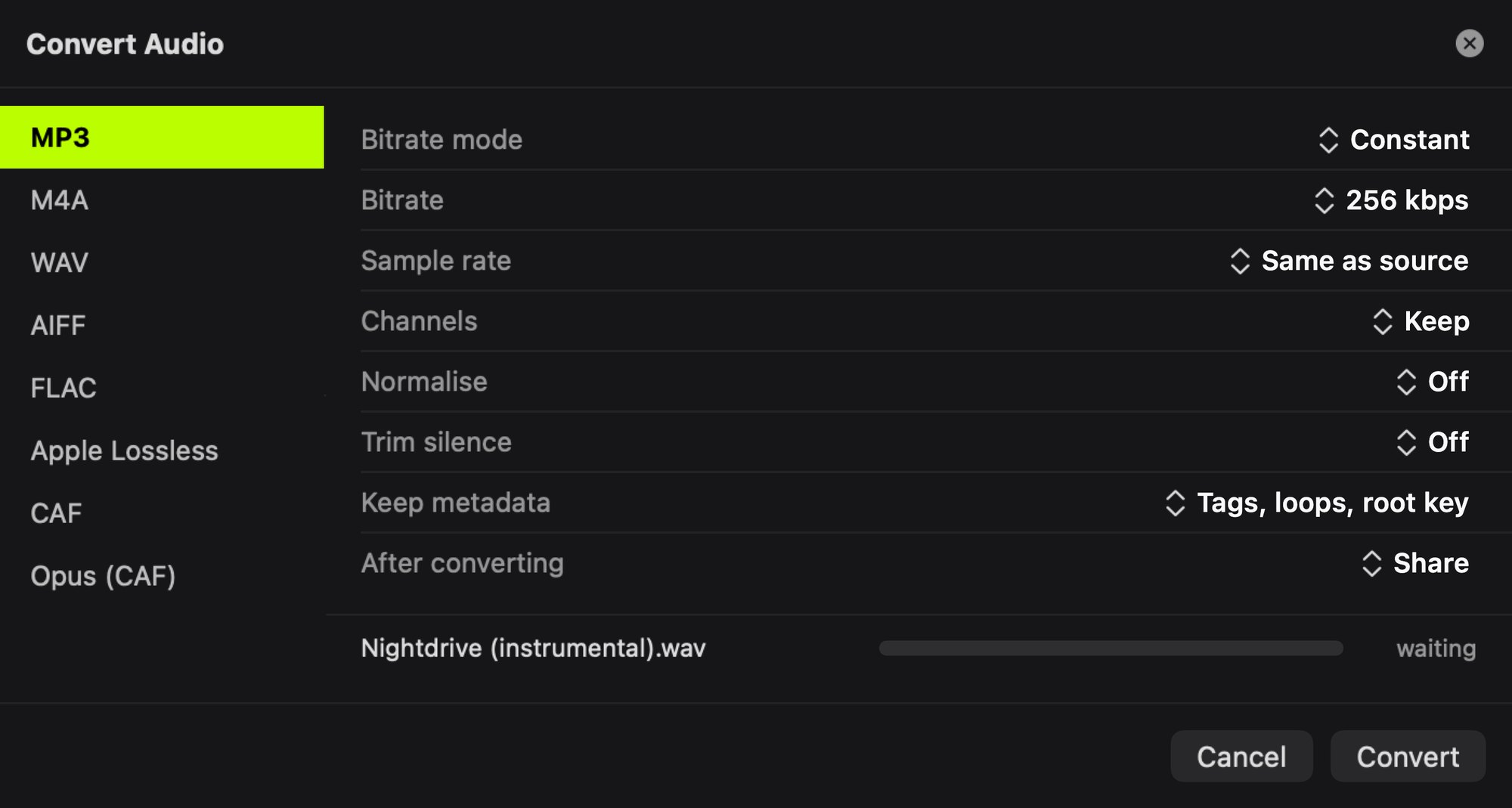
Any format. One click.
Pick a format and press Convert, right from the strip.
What you get
One strip. Every file.
Made by a music producer who got tired of opening a whole app just to hear a sample.
- The waveform of the selected file, under the Finder window
- Space plays and pauses. Left Arrow plays it again from the start
- Drag across the waveform to mark a section. Loop it, or play it as a one shot
- Drag the section out as its own file
- Loudness (LUFS), true peak, correlation, tempo (BPM) and key
- MP3 or WAV of the file in one click, beside the original
- Convert, normalise to a loudness target, trim the silence
- Video too: frames in the strip, a preview pane, trim, drag a clip out
- Peek in the notch: the same strip, hanging from the MacBook notch